Free Countdown Timer Online: 7 Smart Ways to Boost Focus and Deadlines in 2026
A free countdown timer online is one of the simplest productivity tools you can add to your daily routine in 2026, yet it delivers outsized results. Whether you are running a study session, launching a product, hosting a webinar, or cooking dinner, a visible countdown creates urgency and keeps you on track. Because it runs in your browser, there is nothing to install and nothing to pay. In this guide I will show you seven practical ways to use one, how it compares to other time tools, and how to combine it with other free utilities for a smoother workflow.
Time slips away when it is invisible. A ticking counter turns an abstract deadline into something you can actually see, and that small shift changes how you work. Let us dig into the details.
Why a Free Countdown Timer Online Beats a Phone Alarm
Your phone alarm rings once and then it is over. A countdown timer, by contrast, shows the shrinking gap between now and your deadline the entire time. That constant visual feedback is powerful. Research summarized by the American Psychological Association notes that clear, time-bound goals reduce procrastination and improve follow-through.
A browser timer also keeps you off your phone, where notifications wait to derail your focus. You set it on a second monitor or a spare tab, glance at it occasionally, and stay in flow. For anyone who works from a laptop, it is the friction-free choice.
The Psychology of a Visible Deadline
When a deadline is visible, your brain treats it as real. This is why sprints, timed quizzes, and cooking timers work so well. The countdown creates a gentle pressure that pushes you to start now instead of later, and that momentum is often the hardest part of any task.
7 Smart Ways to Use a Countdown Timer
Here are seven practical, tested uses that go far beyond boiling an egg:
- Focus sprints. Set 25 minutes, work without interruption, then take a short break. Repeat.
- Meeting time-boxing. Give each agenda item a hard limit so discussions stay tight.
- Product and sale launches. Display a public counter to build anticipation and urgency.
- Study and exam prep. Simulate real test conditions with a strict clock.
- Workout intervals. Time your rounds and rest periods with precision.
- Public speaking practice. Rehearse against your allotted slot so you never run over.
- Screen-time limits. Cap breaks and social scrolling so they do not swallow your day.
Try the free countdown timer online for any of these. You can set hours, minutes, and seconds, and many timers alert you with sound when the clock hits zero.
An Original Tip: Stack Two Timers
Here is a trick I rely on. Run one long timer for a full work block and a second short timer for a single sub-task inside it. The long timer protects your session; the short timer keeps you from rabbit-holing on one item. This layered approach has doubled my output on writing-heavy days.
Countdown Timer vs Other Time Tools
Not every time tool fits every job. This table clarifies which to reach for:
| Tool | Best For | Direction | Alerts |
|---|---|---|---|
| Countdown Timer | Deadlines, sprints, launches | Counts down to zero | Yes, at zero |
| Stopwatch | Measuring elapsed time | Counts up | Manual stop |
| Alarm | Fixed clock times | Rings at a set time | Yes, once |
| Pomodoro Timer | Structured work and breaks | Cycles of work and rest | Yes, each cycle |
For most goal-driven work, the countdown timer wins because it ties directly to a finish line. A stopwatch is better only when you want to record how long something takes rather than race a deadline.
Combine Your Timer With Other Free Online Tools
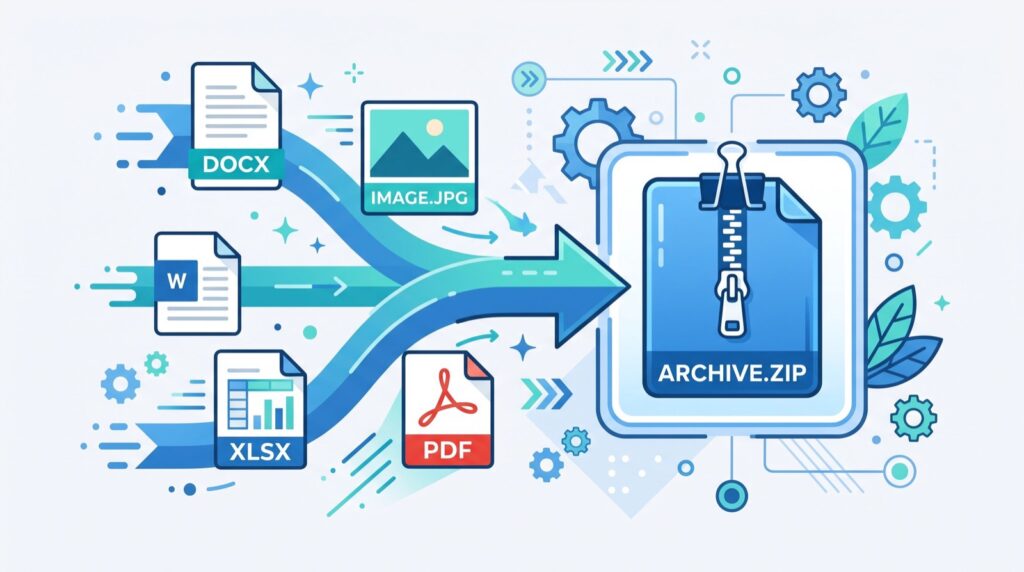
A timer rarely works alone. Creators often pair it with converters and design utilities during a project sprint. For example, if you are prepping graphics on a deadline, you may need to convert SVG to PNG so your logo displays correctly on platforms that do not support vector files. Having both tools open in the same browser keeps your workflow tight.
This is the real advantage of modern online toolkits: everything lives in one place. You start a focus sprint, knock out a design task, convert a file, and check your countdown, all without switching apps or paying for software.
Keep Your Setup Simple
Do not overload your browser with a dozen productivity apps. A single reliable timer, a converter, and a text tool cover most everyday needs. When a project demands specialized help, bring in trusted professionals who handle the heavy technical lifting so you can stay focused on the work that matters.
How Accurate Is a Browser Countdown Timer?
A well-built browser timer is accurate to the second for everyday use. It runs on your device clock, so it does not drift the way old mechanical timers did. Keep the tab active for best precision, since some browsers throttle background tabs to save power. For mission-critical timing such as live broadcasts, run it on an active window and test it once before you go live.
The beauty of a browser timer is reliability without setup. There are no batteries to replace, no app updates to chase, and no account to create. You open the page, set your time, and go.
Frequently Asked Questions
Is a free countdown timer online really free?
Yes. Reputable browser timers are completely free with no download required. You simply open the page, enter your time, and start. There are no hidden fees for basic countdown features.
Can I use a countdown timer without an internet connection?
Once the timer page has loaded, many browser timers keep running even if your connection drops, because the countdown runs locally. To be safe, load the page fully before you rely on it offline.
Will the timer alert me when it reaches zero?
Most online countdown timers play a sound and often flash the screen when the clock hits zero. Make sure your device volume is on and, if the browser asks, allow notifications for the clearest alert.
Can I set a countdown for a future date?
Yes. Many timers let you count down to a specific date and time, which is perfect for launches, events, birthdays, and holidays. Just enter the target date and the tool tracks the remaining days, hours, and minutes.
Conclusion
A free countdown timer online is a small tool with a big impact on focus, deadlines, and daily structure in 2026. Use it for sprints, launches, workouts, and study sessions, then pair it with other browser utilities for a seamless workflow. Open a trusted countdown timer now, set your first block, and watch how a visible deadline transforms the way you work.